Looking for an old Google layout Chrome extension or a Google Images classic layout extension? Classic View is built for that job and nothing else.
What the extension does
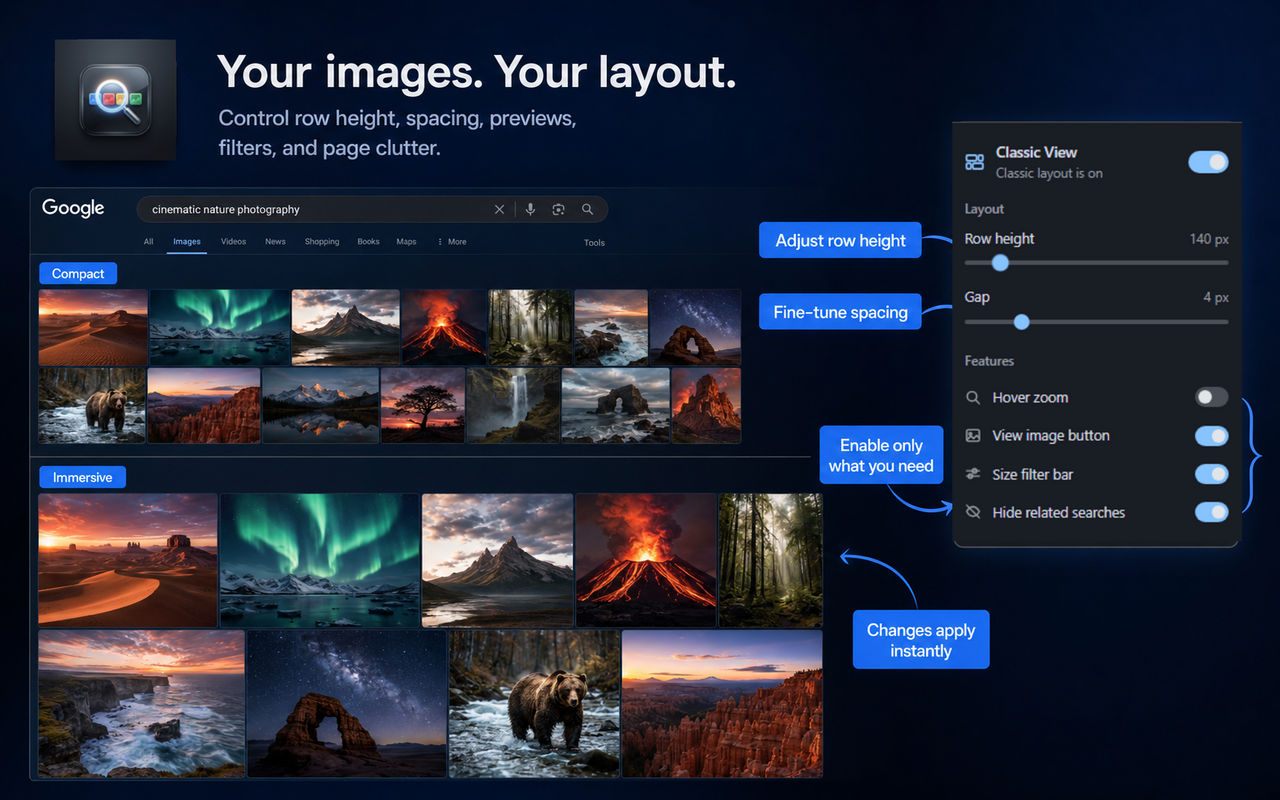
- Restores classic justified horizontal rows on Google Images
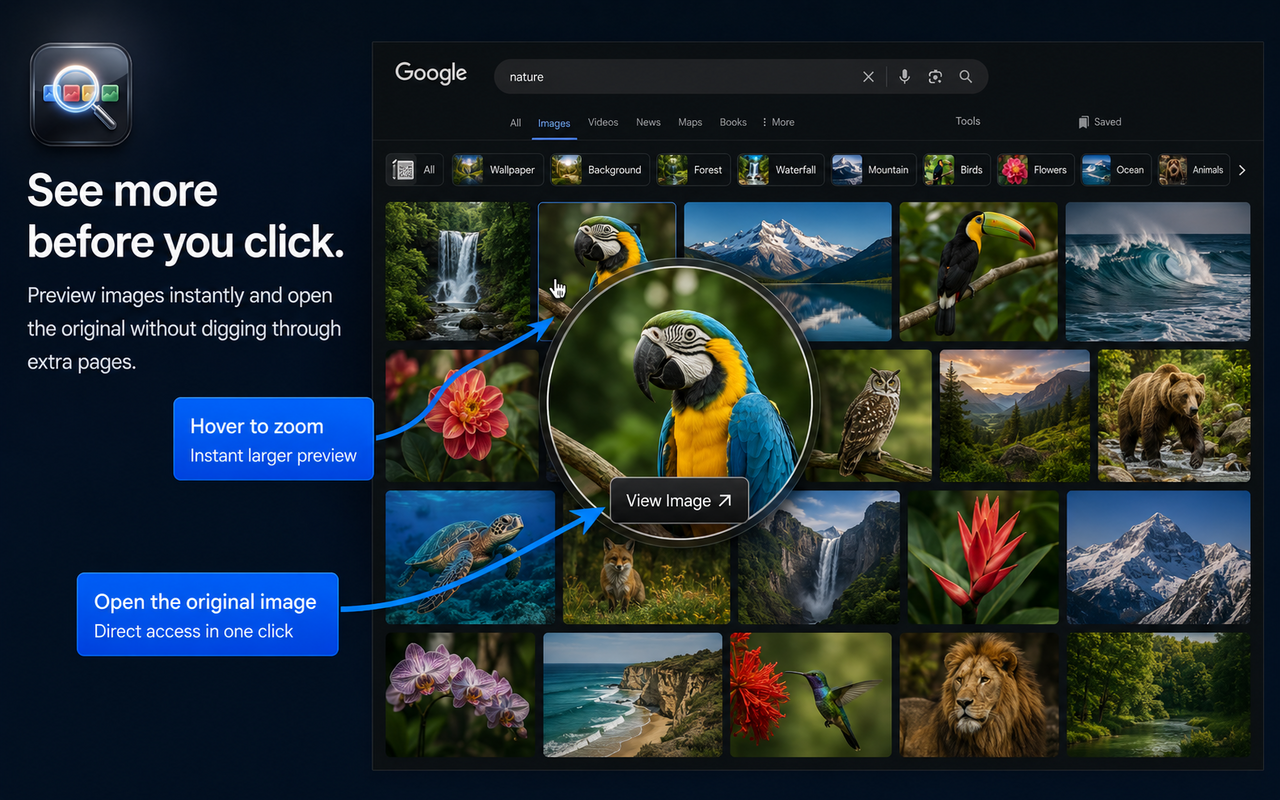
- Adds hover zoom for faster previewing
- Brings back a direct View Image action
- Adds quick Large / Medium / Icon filters
- Can hide related-search blocks and carousels
- Syncs preferences with
chrome.storage.sync
How to install
- Open the Chrome Web Store page.
- Click Add to Chrome and confirm.
- Visit Google Images (any supported google.* domain) and search.
- Optional: open the extension popup to set row height, spacing, and feature toggles.
Permissions, simply
activeTab — applies layout styles on the Google Images page you are viewing.
storage — saves your layout preferences in Chrome.
The extension does not sell data, show ads, or send your searches to a server. See the privacy policy.
Works across Google country domains
Content scripts cover major Google Search domains so the classic layout works whether you use google.com, google.pl, google.co.uk, or other supported locales.
Source and support
The project is open on GitHub. If Google changes markup and the layout breaks, report it there or use the in-extension issue helper.